Where I Draw the Line With AI in My Business
My dad worked for Hewlett-Packard when I was a kid, and I grew up with a computer in the house from the time I was a toddler. Today, every time I visit, he hands me two laptops and two phones so I can run all the updates for him and Mom. I love that man, and I’m happy to do it, but it surprises me every time. He was the tech super hero when I was kid, but now the roles have reversed.
Last year he said something that stuck with me: “I feel like I missed an update and I just couldn’t get caught up.”
I’d been dragging my feet on AI up to that point. I’m a people-first person, it’s how I lead, who works with a lot of creatives, and AI made me feel a lot of tension. Then I thought about my dad, and I started to wonder if AI was the update I was about to miss.
So I started using it. But before I let it anywhere near my business, I decided where the lines were.
My Hard Boundary: I Keep Paying the Creatives I Would Have Paid
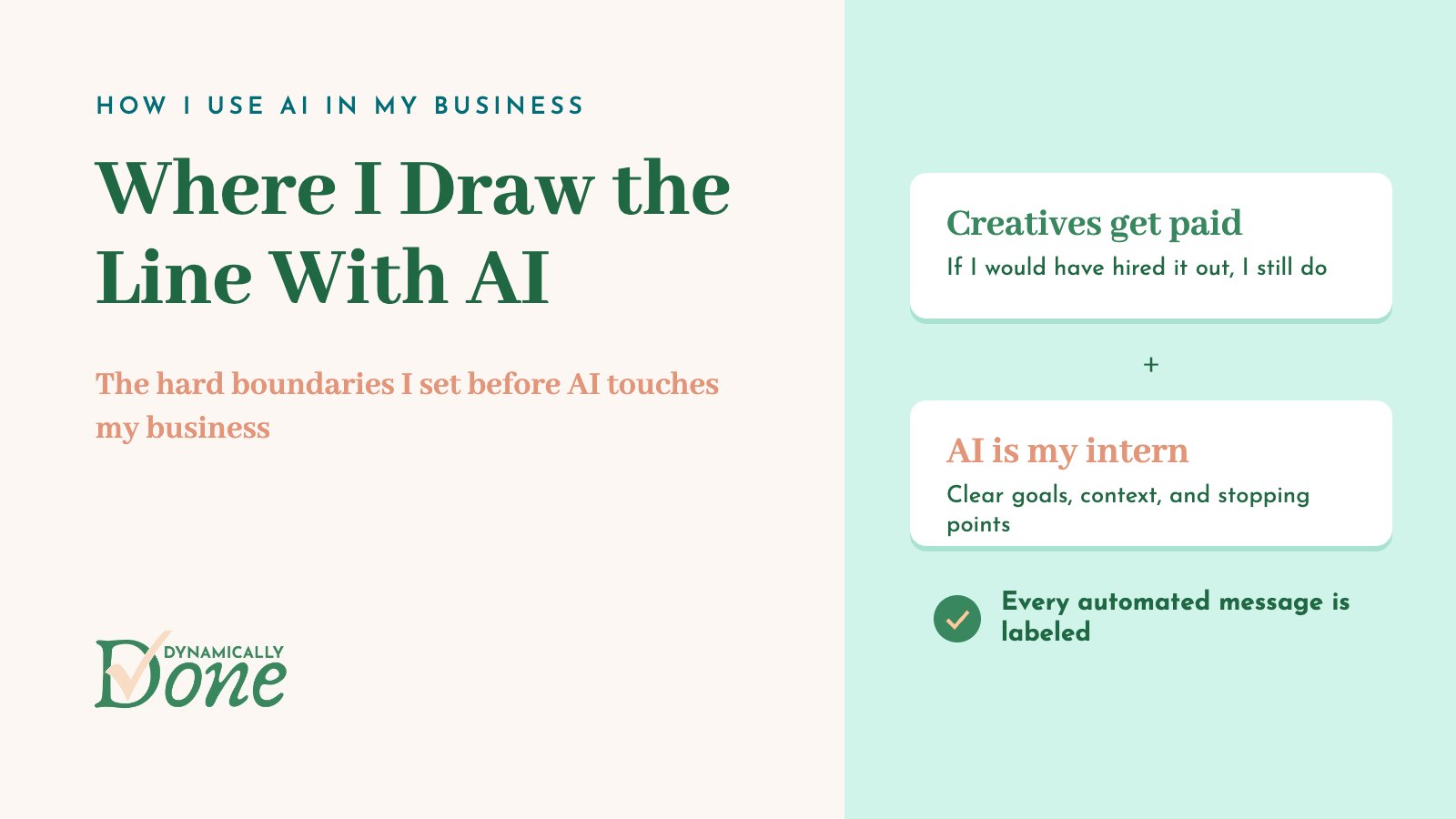
My hard boundary is this: if I would have paid someone to do a creative task before, I keep paying that person to do it. That means graphic design, copywriting, and work like that stays with people.
I spend most of my time with creative entrepreneurs and freelancers, and I came up through marketing myself. I have a lot of respect for those skill sets, and I’m not interested in using AI to quietly replace the people who have them.
If I wouldn’t have paid someone to do something before, that’s where AI comes in. Those are the tasks I would have skipped entirely, done a half-assed job on, or accepted a lower-quality version of. AI doing them well is a win for everyone, since nobody was getting paid for them in the first place.
How I Think About AI: An Intern Who Needs the Why
I think of AI as an intern. I give it the directions I’d give a high school or college intern, with the same level of detail and the same reasoning behind them. (But with the benefit of only having to explain myself once)
That means I explain:
- What we’re doing and why
- What the goal is and why it matters
- What it serves in the bigger picture
- What the barriers are
- Where we’ll stop (what done looks like)
Those are the judgment calls I wouldn’t expect a teenager or someone early in their career to make on their own, so I make them before the work starts. Claude does a lot better with a clear brief, and so does every person I’ve ever worked with.
I remember the busy work I was handed as an intern, and most of it is perfect for AI. Moving data from one spreadsheet to another. Renaming and filing. Because nobody’s time is best spent there.
What AI Lets Me Do That I Never Got To
My favorite use of AI is the work that used to just not happen. The admin tasks I knew I wanted to and should do and never got to, so I had to sit back and let them go.
Client briefs for the contractors who work with me are the best example. I wrote project briefs before, but nowhere near the level of detail I provide now. The detailed version is saving me a ton of time on mistakes and rework. Before, writing a brief that thorough would have taken me longer than the rework it prevented, so it never balanced out. Now it does.
It’s like finally cleaning out the junk drawer. You always knew the batteries and the spare key were in there somewhere. The drawer was never worth an afternoon until something else did the sorting.
Everything I’ve learned about AI this year traces back to Eliot Prince and his Half Day Thursdays community. If you are looking for someone to learn AI from, I can’t recommend him or his program more!
Nothing Goes Out in My Name Without Me (or a Label)
I’m not comfortable with AI sending messages on my behalf unless I’ve looked at them first. When something is automated, it has to be clear that it’s automated.
Here’s what that looks like in practice:
- My Slack automations post from an app I built called Claude Bot, not from my account.
- If a message has to come through my name, it says “Sent from Claude.”
- When Claude writes an Asana task description, it says “Created by Claude,” so my team (or whoever I’m working with) knows where it came from.
I think it’s so important to be transparent about how we use AI. Nobody should have to wonder whether they’re talking to me or to a tool.
Use AI So You Can Stay in Your Area of Genius
What’s your area of genius? That’s the thing only you can do. AI gives all of us the chance to spend more of our time there, and to let Claude handle the things we’re not so great at.
For me, protecting that has meant continuing to pay contractors and team members for the work that’s theirs, and using AI to clear away everything around it.
Who This Is For
This is for the business owner who feels the same tension I did. You care about your people, you may be wary of AI, but you’re also a little worried about missing the update.
Deciding where my lines were before I started is what made AI feel okay for me, and I think it can do the same for you.
FAQ
How should a small business owner start using AI? Start with the work you weren’t paying anyone to do and weren’t getting to yourself, like admin and repeatable work. Give AI the same detailed instructions you’d give an intern.
Should I replace my designer or copywriter with AI? My rule is that if I would have paid a person for a creative task before, I keep paying them.
How do I tell people when a message was written by AI? I label it. My Slack automations post as Claude Bot, messages through my name say “Sent from Claude,” and Asana task descriptions say “Created by Claude.”
What’s a good way to give AI instructions? Treat it like a smart intern. Explain the goal, why it matters, what it serves, the barriers, and where to stop. Your business brain documents give AI a lot of that context up front.
What tasks are best for AI in a small business? Busy work, like moving data between spreadsheets, plus the admin you never had time for. Detailed contractor briefs have been one of my biggest time savers.
Decide Your Lines First
My biggest tip: before you hand AI anything, write down one task you’d never take away from a person and one task you’d love to never think about again. That’s the start of your boundaries.
And if you’d like help finding the work in your business that’s ready for AI, identifying places for automation is part of the Operations and Technology pillars of The Dynamic Deep Dive.
This post may contain affiliate links. If you sign up through one, I may earn a commission at no extra cost to you.
Free Ops Toolkit
The tools and freelancers I recommend to my clients
Every time a client asks me what I use for something, the answer goes on this list. It’s short enough to skim over coffee, so take what fits and skip the rest.